Choosing a customer education platform isn’t like picking a new project management tool. Get it wrong, and you’re stuck with a clunky system that frustrates your customers, siloes your data, and quietly drains your budget for years.
Here’s the thing: most buyers fall into the “feature hunting” trap. They compare checkboxes. Does it have quizzes? Badges? AI?, without asking the real question: Does this platform align with our customer success strategy?
Let’s fix that. Whether you’re a SaaS company scaling fast or an enterprise modernizing your training ecosystem, here are the 10 things you absolutely need to know before you sign that contract.
1. Scalability: Can It Grow With You Without Breaking the Bank?
Let’s be real, you might have 50 customers in your academy today. But what happens when that number hits 5,000? Or 50,000?
The platform you choose must handle growth gracefully. That means:
- No performance lag when user numbers spike
- Flexible pricing tiers that don’t punish you for success
- Multi-tenant architecture if you’re serving different customer segments
Ask vendors directly: “What happens to my per-user cost at 10x scale?” If they dodge the question, that’s your answer.
2. Brand Compliance: It Must Look Like YOUR Product
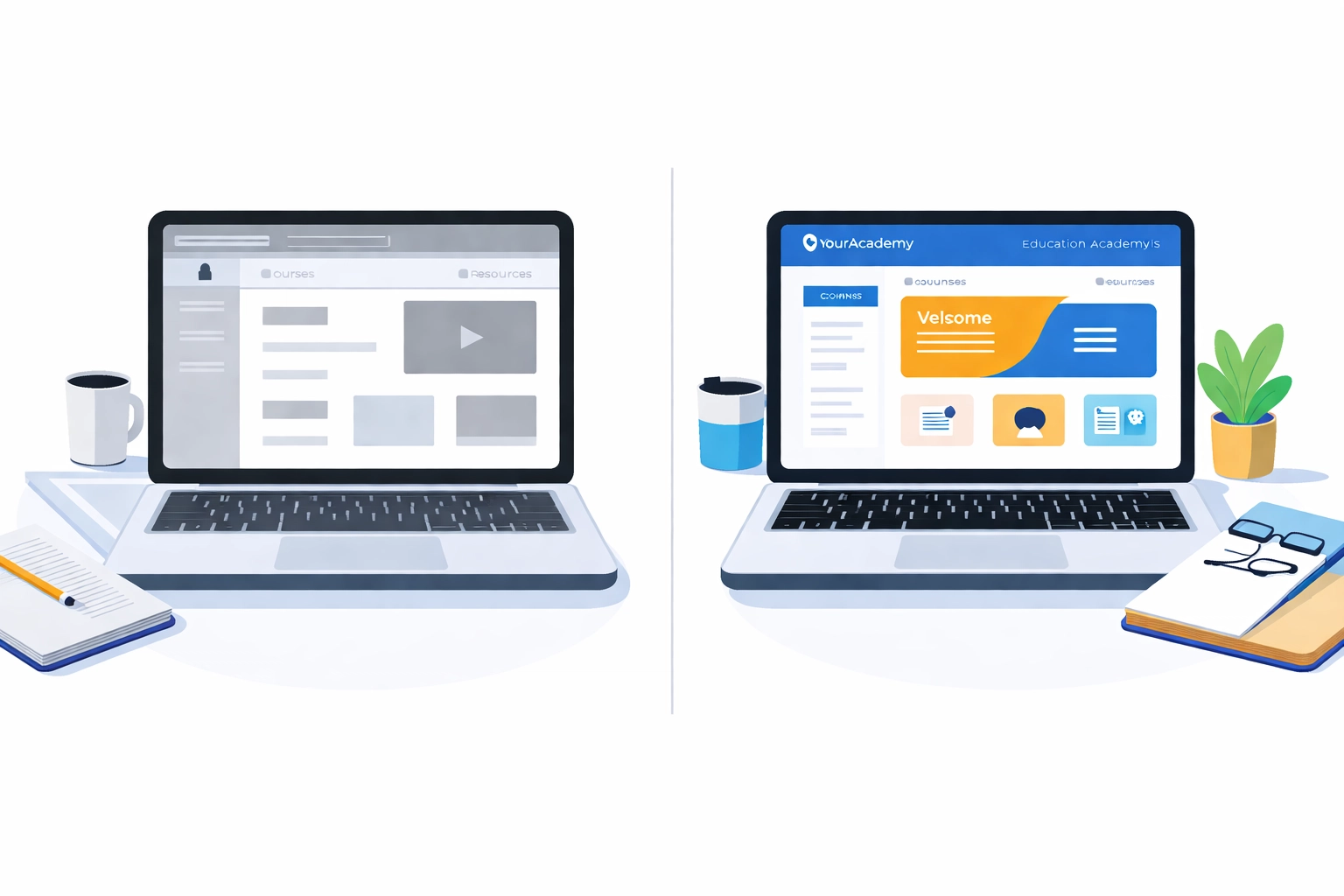
Here’s the reality: if your customer education portal looks like a generic third-party tool, you’ve already lost. Customers expect a seamless brand experience from login to certification.
Your platform should allow:
- Custom logos, colors, and typography
- White-labeled domains (think: academy.yourcompany.com)
- Branded certificates and completion badges
Your academy is an extension of your product. If it feels like an afterthought, your customers will treat it like one.
3. Data Integration: If It Doesn’t Talk to Your CRM, It’s a Silo
We get it, another integration conversation. But this one matters.
If your customer education platform can’t sync with Salesforce, HubSpot, or your customer success tool, you’re flying blind. You won’t know which customers completed onboarding, who’s struggling with adoption, or where churn risk is hiding.
Non-negotiables:
- Native integrations or robust API access
- Real-time data sync (not weekly batch uploads)
- The ability to trigger workflows based on learning milestones
Your CS team shouldn’t have to ask, “Did they finish the training?” The data should already be in their dashboard.
4. Content Agnosticism: Cookie-Cutter Templates Kill Bespoke Learning
Here’s the deal: some platforms force you into rigid templates. Upload a video. Add a quiz. Done.
That works for basic product walkthroughs. But for complex SaaS products or enterprise solutions? You need bespoke Instructional Design (ID) and Learning Experience Design (LXD).
Look for platforms that support:
- SCORM, xAPI, and cmi5 content packages
- Interactive simulations and branching scenarios
- Flexible content structures beyond linear modules
At Check N Click, we’ve seen companies transform their education programs by moving from cookie-cutter content to strategically designed learning paths. The platform should enable that vision, not limit it.
5. The AI Reality: Helpful Feature or Marketing Gimmick?
Every platform now claims to have “AI-powered” something. But let’s talk about what actually matters in 2026.
Useful AI features:
- Personalized learning path recommendations based on user behavior
- Smart search that surfaces relevant content instantly
- AI-assisted content localization for global rollouts
Marketing gimmicks:
- AI chatbots that can’t answer product-specific questions
- Auto-generated content that sounds generic and robotic
- “AI analytics” that just repackages basic reports
Ask for a demo of the AI features. If they can’t show you tangible value in 10 minutes, it’s probably not there.
6. Customer Experience (UX): Clunky UI = Learners Don’t Return
Let’s face it, your customers are busy. If your academy feels like navigating a 2005 intranet, they’ll bounce and never come back (hello, endless support tickets).
What great UX looks like:
- Intuitive navigation with clear learning paths
- Fast load times (under 3 seconds, always)
- Progress tracking that’s visible and motivating
- Accessibility compliance (WCAG 2.1 minimum)
Request a learner-view demo, not just an admin walkthrough. Better yet, have someone outside your team test it cold. Their confusion is your preview of customer frustration.
7. Hidden Costs: The “Per User” Trap and Implementation Fees
That competitive quote? It might not tell the whole story.
Common hidden costs to watch for:
- Implementation and onboarding fees (sometimes $10K+)
- Premium support tiers (because basic support means 48-hour response times)
- Content migration charges
- “Per active user” pricing that spikes unpredictably
Pro tip: Ask for a Total Cost of Ownership (TCO) breakdown for Year 1, Year 2, and Year 3. If the vendor can’t provide that, proceed with caution.
For a deeper dive into budgeting for custom learning solutions, check out our comprehensive guide to eLearning development costs.
8. Mobile-First: Because Customers Learn on the Go
Your customers aren’t sitting at desks waiting for training. They’re on planes, in coffee shops, between meetings.
Mobile requirements in 2026:
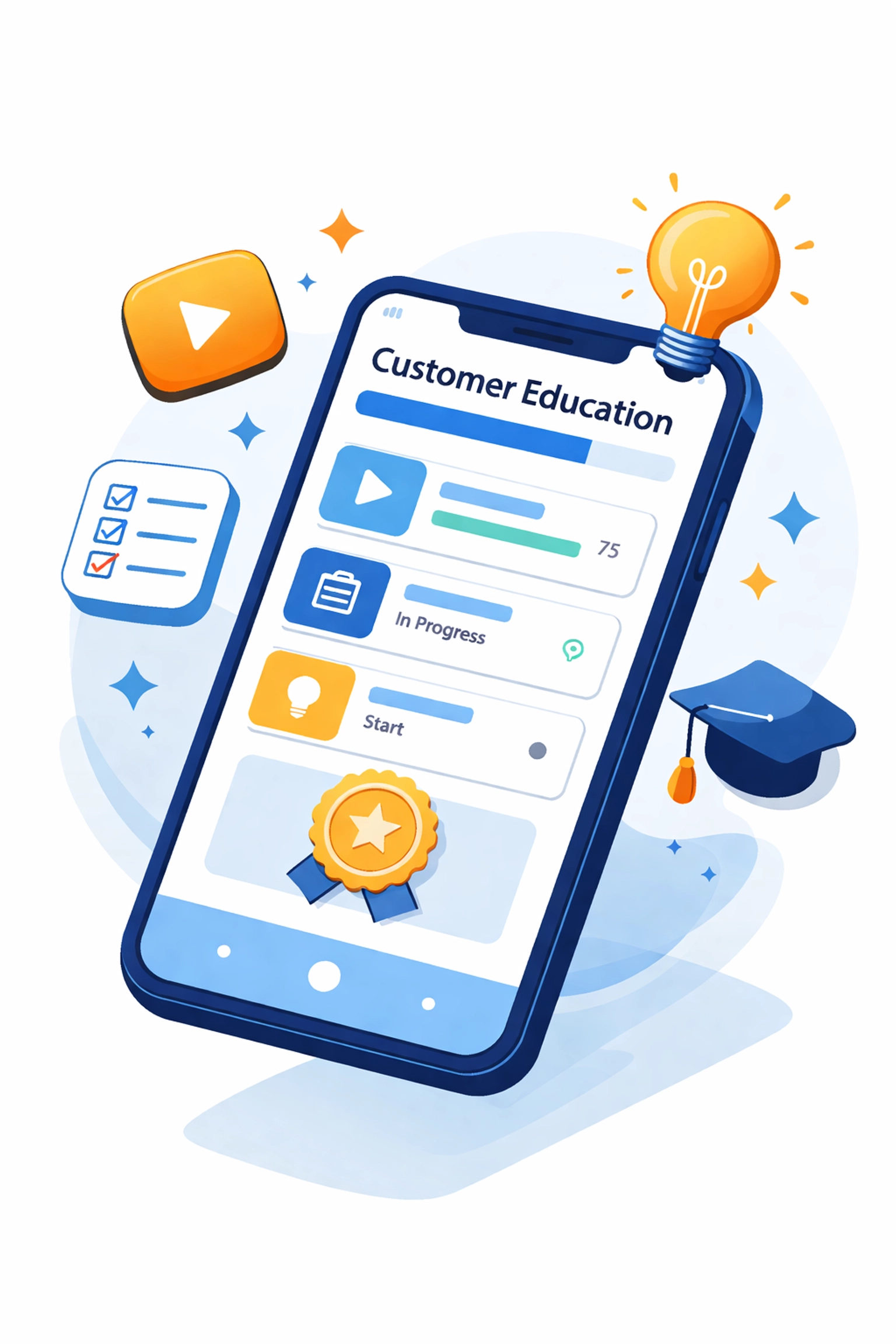
- Responsive design that works flawlessly on any device
- Offline access for downloaded content
- Push notifications for course reminders and updates
- Touch-optimized interactions (no tiny buttons)
If the mobile experience feels like an afterthought, your completion rates will suffer. Period.
9. Analytics: Move Beyond Completion Rates to Proficiency Data
Here’s the thing most vendors won’t tell you: completion rates are vanity metrics.
Someone clicking “Next” through 12 slides doesn’t mean they learned anything. What you actually need:
- Assessment performance data (not just pass/fail, but where they struggled)
- Time-on-task analytics (are they engaging or speed-running?)
- Correlation with product adoption (did training actually change behavior?)
- Cohort analysis (how do different customer segments perform?)
The best platforms let you answer: “Did this training make our customers more successful?” If you can’t answer that, you’re just producing content: not driving outcomes.
10. Partnership: You Need a Vendor Who Understands Learning Science
This is the one most buyers skip, and it’s arguably the most important.
A customer education platform is just a tool. The magic happens in how you use it.
That’s why you need more than a software vendor. You need a partner who understands:
- Instructional Design principles that drive retention
- Learning Experience Design that keeps customers engaged
- The strategic alignment between education and customer success metrics
At Check N Click, we help enterprises navigate exactly this challenge. We’re not just helping you pick a platform: we’re helping you build a bespoke learning ecosystem that drives revenue, reduces churn, and turns customers into product champions.
The Bottom Line: Strategy Before Software
Before you schedule another vendor demo, get clear on your strategy:
- What business outcomes are you trying to drive?
- What does your ideal customer learning journey look like?
- How will you measure success beyond completion rates?
The right customer education platform is the one that enables your vision: not the one with the longest feature list.
Ready to stop feature hunting and start building a customer education program that actually moves the needle? Let’s talk. We’ll help you cut through the noise and find the right tech stack for your bespoke learning ecosystem.