Custom eLearning development in 2026 isn't just about slapping together some slides and calling it training. It's a strategic investment, and one that can either transform how your team learns or drain your budget faster than you can say "course completion rate."
Here's the thing: we've seen companies make the same mistakes over and over again. They rush into development, get dazzled by AI features, forget about the actual humans who need to use the content, and then wonder why their shiny new learning program has a 12% completion rate (ouch).
Let's talk about the seven biggest custom eLearning development mistakes we see in 2026, and how you can dodge them before they cost you time, money, and credibility.
Mistake #1: Why AI-Heavy Custom eLearning Development Fails
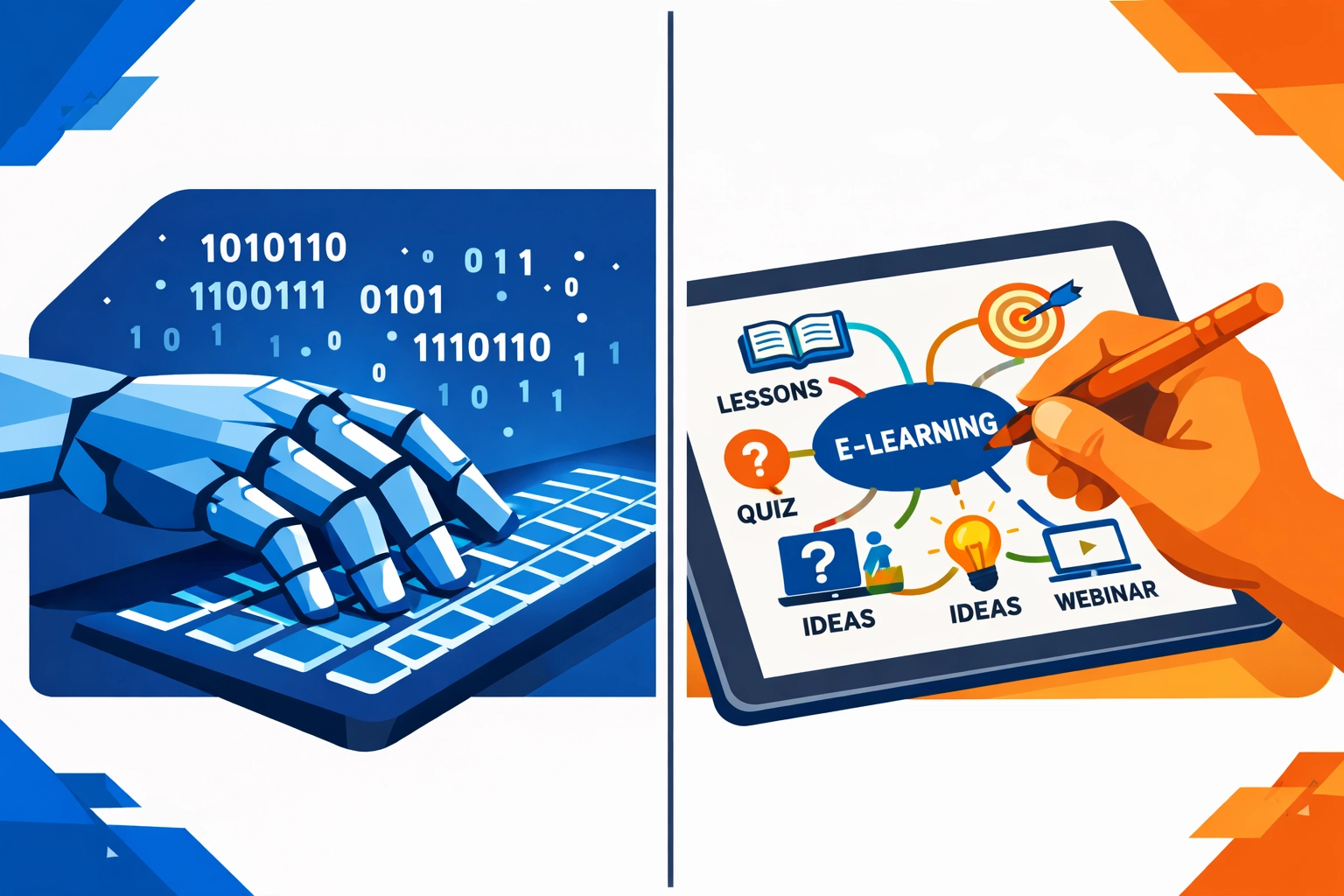
Let's be real: AI is everywhere in 2026. ChatGPT drafts your content. Midjourney designs your graphics. Some fancy algorithm promises to "personalize" learning paths. But here's what no one tells you, AI doesn't understand your learners the way a human instructional designer does.
We've watched clients get burned by over-relying on AI-generated content. The scripts feel generic. The examples miss the mark. The tone sounds like it was written by a robot (because it was). Learners can tell, and they disengage.
The fix? Use AI as a starting point, not the finish line. Let it draft content, but have experienced instructional designers review, refine, and add that human nuance that makes learning stick. At Check N Click, we blend AI efficiency with human expertise, because great custom eLearning development needs both.
Mistake #2: Ignoring Learner Needs in Custom eLearning Development
Here's a question: are you building custom eLearning development that your learners need, or just what your organization wants to check off a compliance list?
This is where so many custom eLearning development projects go sideways. Leadership wants a course on "enterprise AI governance" (because it sounds impressive), but frontline employees actually need help troubleshooting basic software issues. You end up with beautiful content that no one uses.
The reality check: Balance organizational goals with learner needs. Conduct a needs analysis, talk to actual users, run surveys, check support tickets to see where people are struggling. Then design content that solves real problems.
When we approach custom eLearning projects, we always start with discovery: What do learners need to do differently after this training? What's blocking them today? That alignment is everything.
Mistake #3: Mobile Gaps in Custom eLearning Development
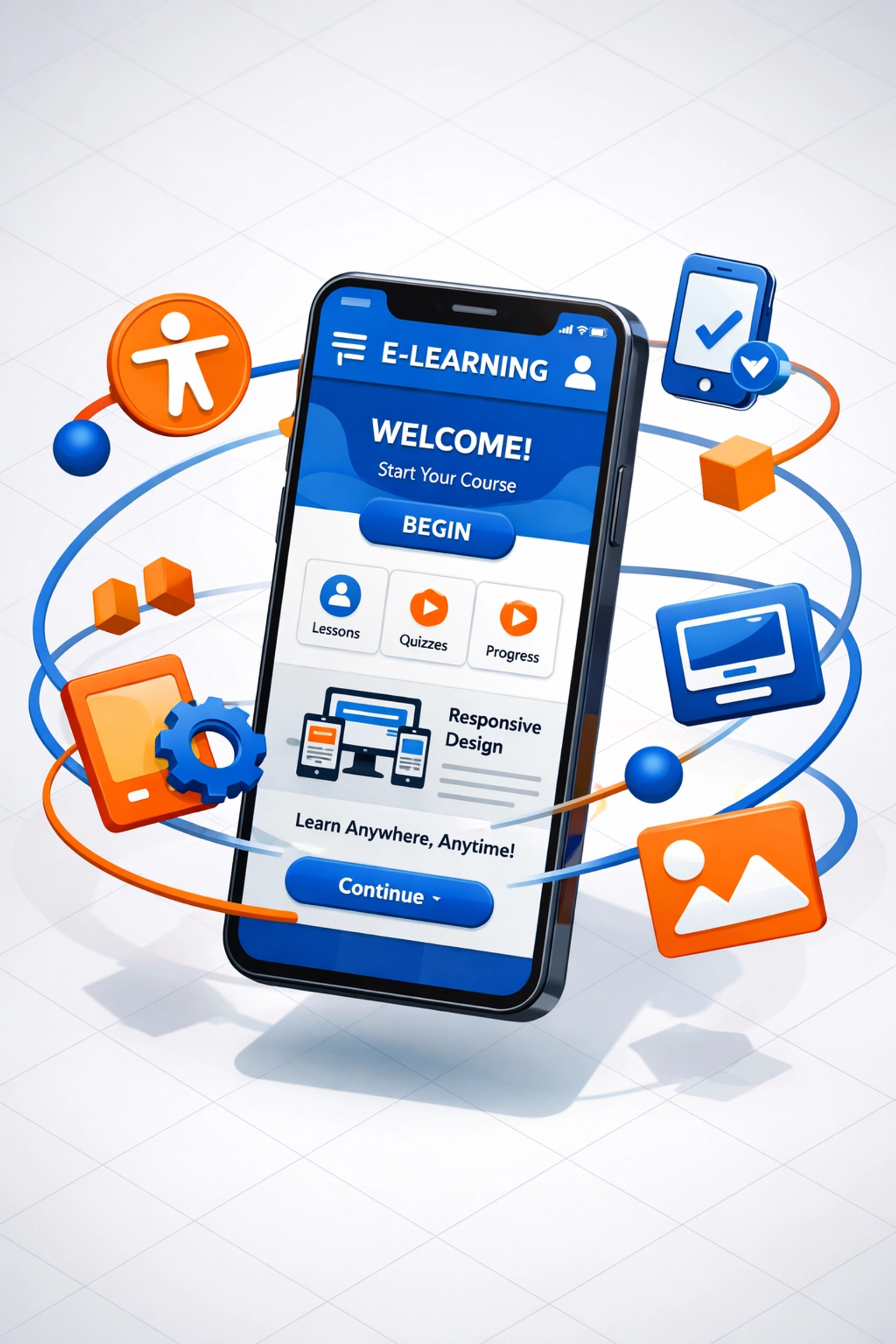
Quick reality check: it's 2026. Your learners are accessing training on their phones while waiting for meetings, during their commute, or (let's face it) while pretending to pay attention on a Zoom call.
If your custom eLearning development isn't mobile-optimized, you're essentially telling half your audience, "This isn't for you." Tiny text. Clunky navigation. Videos that won't load on mobile data. All guaranteed ways to tank engagement.
What works: Design mobile-first from day one. Test on actual devices (not just responsive preview mode in your browser). Keep interactions simple, no hover effects or drag-and-drop that don't translate to touchscreens. Make sure videos have captions and transcripts for when learners are in public spaces.
Accessibility isn't optional anymore. It's baseline.
Mistake #4: Overcomplicating Custom eLearning Development Interfaces
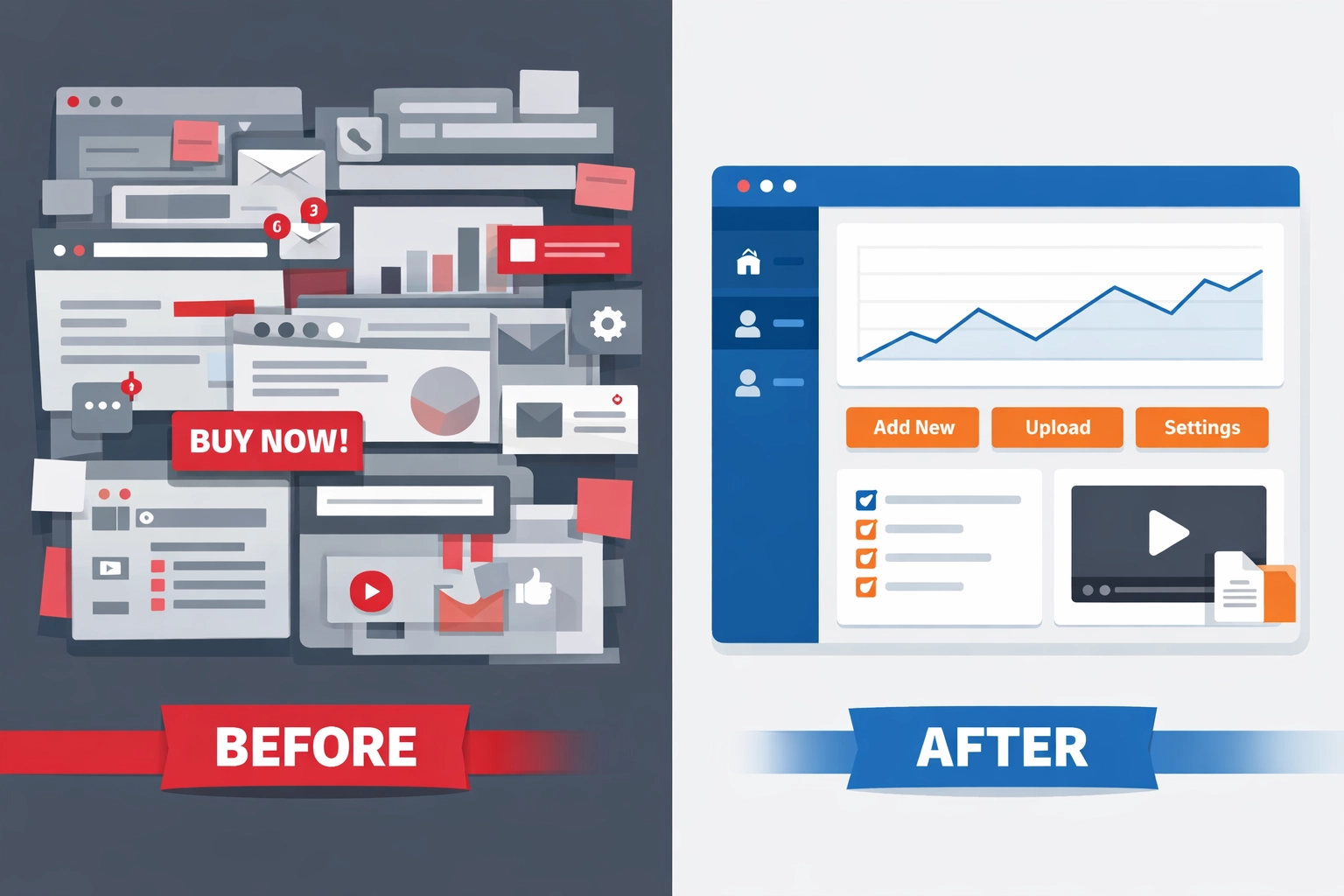
We see this all the time, custom eLearning development interfaces that look like NASA flight decks. Twelve buttons per screen. Hidden navigation. Confusing progress indicators. Learners spend more time figuring out how to use the course than actually learning anything.
Here's the rule: if your interface needs a tutorial, it's too complex.
Strip it down. Prioritize clarity over creativity. Use familiar patterns, people know how to click "Next," scroll down, and tap buttons. Don't reinvent the wheel just because you want your custom eLearning development to look "different."
At Check N Click, we follow the principle of cognitive load management. Every design decision asks: does this help learning, or does it just look cool? (Hint: cool doesn't matter if no one finishes the course.)
Mistake #5: Skipping Content Readiness in Custom eLearning Development
Let's talk about the mess that happens when you jump straight into custom eLearning development without auditing your existing content first.
You've got outdated PDFs. Contradictory process docs. Subject matter experts (SMEs) who swear their way is "the only correct method" (spoiler: it's not). Zero learning objectives. No clear flow. Just a content dumpster fire waiting to become an eLearning dumpster fire.
The fix: Conduct a content inventory before development starts. Identify gaps. Retire outdated materials. Align everything to clear learning outcomes. Work with SMEs to reconcile conflicting information (diplomatically, of course).
This prep work isn't glamorous, but it's the difference between a smooth development process and endless revision cycles. Trust us, we've built enough custom eLearning to know that content readiness is non-negotiable.
Mistake #6: Measuring ROI in Custom eLearning Development
You launched your custom eLearning development project. Congrats! Now comes the question everyone dreads: Did it work?
If your only metric is "completion rate," you're flying blind. Completion tells you people clicked through the slides. It doesn't tell you if they learned anything, changed behavior, or can actually apply the training on the job.
What to track instead:
- Application metrics – Are learners using what they learned in real scenarios?
- Support ticket reduction – Did training decrease the volume of "how do I…" questions?
- Time-to-proficiency – Are new hires ramping up faster?
- Business impact – Did customer satisfaction scores improve? Error rates drop?
Set these KPIs before development starts. Build assessments that measure actual competency, not just recall. And for the love of learning science, don't rely solely on smile sheets (we all know those "how satisfied were you?" surveys are basically participation trophies).
Mistake #7: The "Launch and Forget" Syndrome
Here's the hard truth: custom eLearning development isn't a "set it and forget it" project. Your content will age. Features will break. Processes will change. And if you treat your eLearning program like a finished product instead of a living system, it'll become irrelevant faster than you think.
We've seen gorgeous custom courses sit unused because no one updated them after a software UI redesign. Screenshots don't match reality. Instructions reference tools that no longer exist. Learners get frustrated, stop trusting the training, and go back to asking colleagues for help (hello, endless Slack threads).
The solution: Adopt a product mindset. Review engagement data quarterly. Update content when processes change. Add new modules based on learner feedback. Retire outdated sections. Keep your custom eLearning development fresh and relevant.
At Check N Click, we don't just build courses, we partner with clients on ongoing maintenance and evolution. Because great learning experiences aren't static.

The Bottom Line on Custom eLearning Development in 2026
Avoiding these seven mistakes won't just save you money and headaches, it'll help you build custom eLearning that actually delivers results. Real learning. Real behavior change. Real business impact.
The key is balancing innovation (yes, use AI!) with foundational instructional design principles. Focus on your learners, not just organizational checkboxes. Design for how people actually access content (mobile!). Keep interfaces simple. Prep your content. Measure what matters. And commit to continuous improvement.
If you're planning a custom eLearning development project and want to skip the expensive mistakes, let's talk. We've been doing this long enough to know what works: and more importantly, what doesn't.
Because in 2026, you don't have time (or budget) to learn the hard way.