Customer Education Metrics are the difference between guessing if your training works and knowing it drives revenue. Let’s be real: if you’re still celebrating course completion rates while your churn numbers tell a different story, it’s time to rethink your measurement strategy.
The uncomfortable truth? Most organizations are drowning in activity data (video views, logins, completion badges) while starving for actual business outcomes. This guide will walk you through a practical framework for operationalizing Customer Education Metrics and connecting learning dots to revenue (with real examples you can steal).
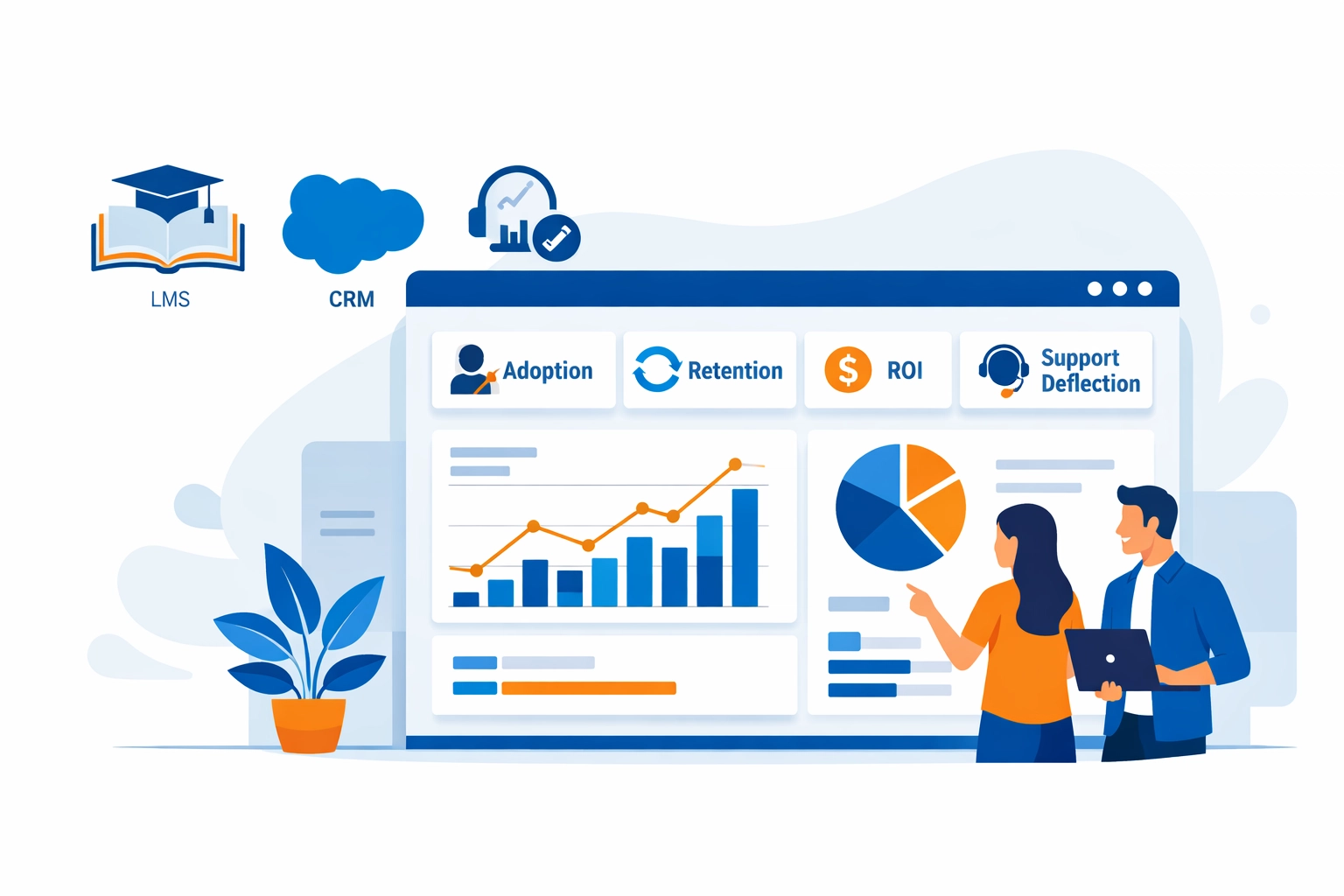
Why Tracking Customer Education Metrics Is No Longer Optional
Here’s the thing: CFOs don’t approve budgets based on “engagement.” They want Customer Education Metrics that show how your customer education program impacts Net Revenue Retention (NRR), reduces support costs, or accelerates product adoption.
The shift we’re seeing in 2026? Moving from Vanity Metrics to Value Metrics with Customer Education Metrics that leadership can trust:
- Vanity Metrics: 10,000 course completions, 85% satisfaction score, 50 hours of content consumed
- Value Metrics: 15% churn reduction, 40% faster time-to-value, $250K in deflected support costs
Don’t get us wrong: completion rates matter. But they’re the starting line, not the finish line. What you really need is a Customer Education Metrics framework that shows the business impact of educated customers.
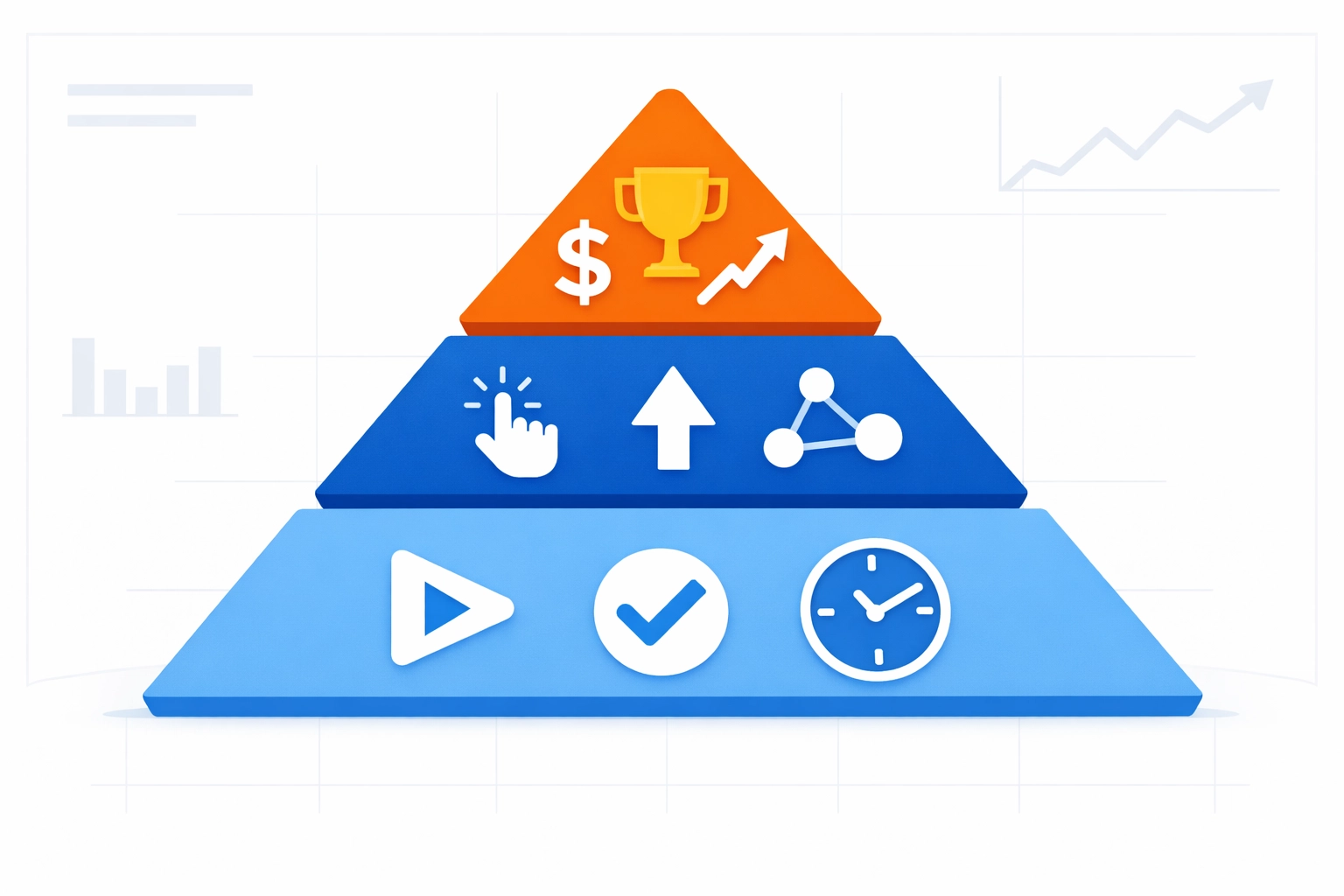
The Customer Education Metrics Framework (2025/2026): From Activity to ROI
Let’s talk about the real problem: most teams have metrics, but they’re not measuring at the right maturity level. So before we list KPIs, you need a way to level-set where your program is today (and where you’re trying to go).
The Metrics Maturity Model (Ad Hoc → Strategic)
Here’s the deal: this model helps you stop arguing about which metrics to track and start aligning on why you’re tracking them.
Level 1 — Ad Hoc (Vanity-first)
- You track what the LMS gives you by default (starts, completions, seat time).
- Reporting is reactive (“Leadership asked for numbers… quick!”).
- Signal: lots of activity, unclear impact.
Level 2 — Operational (Process + efficiency)
- You track consistency and throughput (onboarding completion, certification volume, content health).
- You can answer: “Are we running the program well?”
- Signal: stable reporting cadence, basic segmentation.
Level 3 — Behavioral (Education → product behavior)
- You connect learning events to in-product actions (feature adoption, workflow completion, reduced tickets).
- You can answer: “Did learning change what users do?”
- Signal: LMS + product analytics alignment.
Level 4 — Strategic (Education → business outcomes)
- You tie education to retention, expansion, ROI, and cost savings—with credibility.
- You can answer: “Did education move revenue and risk?”
- Signal: cohort analysis, bias controls, finance-ready reporting.
Now, with that lens, we can map the actual metrics.
Layer 1: Activity Metrics (Operational visibility)
These are baseline indicators. They tell you if people are engaging:
- Course starts
- Completion rates
- Time spent
- Content consumption (views, downloads, module progress)
What they tell you: accessibility + early engagement.
What they don’t: learning transfer or business impact.
Track these through your LMS—but treat them like gym check-ins. Useful, but not proof of results.
Layer 2: Behavioral Customer Education Metrics
This is where Customer Education Metrics start earning their keep:
- Feature Adoption Rate (formula below)
- Certification achievement and recertification
- Community engagement (Q&A, posts, accepted answers)
- Support behavior (ticket volume, ticket type mix, self-serve success)
Feature Adoption Rate (formula)
Definition (recommended): percentage of eligible accounts/users that used a target feature in a defined window.
Formula (account-based):
Feature Adoption Rate % = ( # of eligible accounts that used Feature X at least once in period / # of eligible accounts ) × 100
Formula (user-based):
Feature Adoption Rate % = ( # of eligible users who used Feature X in period / # of eligible users ) × 100
Pro tip (because this trips teams up): define “used” as a meaningful event (e.g., “API key created + first successful call”), not just a click.
Layer 3: Strategic Customer Education Metrics (ROI)
These are the executive-facing Customer Education Metrics:
- Net Revenue Retention (NRR)
- Time-to-Value (TTV)
- Churn/retention lift
- Support deflection (formula below)
- Expansion / upsell velocity
- Financial ROI (Phillips Level 5) (formula below)
Standard Deflection Rate (formula)
Let’s be real: “deflection” gets messy fast unless you standardize the definition.
Standard Deflection Rate % = ( Deflected support cases / Total support demand ) × 100
Where:
- Deflected support cases = (# of self-serve resolutions attributed to learning/knowledge)
- Total support demand = (Deflected support cases + submitted tickets)
Practical proxy (when you don’t have perfect attribution yet):
Use “Academy/KB session → no ticket within X hours for same topic” as a deflection signal, then validate with sampling.
Financial ROI (Phillips Methodology — Level 5)
Phillips Level 5 focuses on converting impact to money and comparing it to program cost.
Step 1: Isolate the education impact (Impact %)
- Use cohort analysis (trained vs untrained) and bias controls (see Cohort section).
- Example: churn reduction attributable to education = Δ churn × isolation factor
Step 2: Convert to monetary benefits
- Monetary Benefits ($) = Σ ( Outcome improvement × Unit value × Isolation factor )
Common unit values:
- Support ticket cost per case
- Gross margin per retained account
- Implementation hours saved × hourly rate
- Expansion revenue × gross margin
Step 3: Compute ROI
- ROI % (Level 5) = ( (Total Monetary Benefits − Program Costs) / Program Costs ) × 100
Step 4: Also report BCR (nice-to-have for finance)
- Benefit–Cost Ratio (BCR) = Total Monetary Benefits / Program Costs
2025/2026 Benchmarks (what “good” looks like)
Here’s the thing: benchmarks shouldn’t become a scoreboard—they’re a sanity check.
Across 2025/2026 customer education and digital training programs, commonly reported Customer Education Metrics benchmarks include:
- ~6.2% revenue increase tied to stronger adoption/expansion motions
- ~7.4% retention lift when education is embedded into onboarding + ongoing enablement
Use these as directional references, then validate with your own cohort data (because your product, pricing, and customer mix will skew results).
Customer Education Metrics in Action: Case Studies (2025/2026)
Case Study 1: SaaS-Squatch Analytics (Enterprise SaaS) — Fixing Day 90 Churn with API Certification
The Challenge: SaaS-Squatch Analytics sells a complex enterprise analytics platform with a high-stakes implementation curve. They weren’t losing customers on Day 7… they were losing them around Day 90—right when the initial champion momentum faded and integrations weren’t fully live.
Exit patterns were consistent (and painful):
- API integrations were delayed or implemented incorrectly
- Admins avoided advanced configuration (permissioning, data mapping, event pipelines)
- Support got flooded with “how do we wire this up?” tickets (hello, endless Zendesk tickets)
The Solution: They launched an API Certification Path aimed at two roles:
- Implementation Engineers (API auth, webhooks, data schema, error handling)
- Admins / Analytics Owners (governance, permissions, reporting readiness)
The program used:
- 10–12 minute microlearning modules (task-based).
- A hands-on sandbox + “submit a successful call” assessment.
- Badges + a certification requirement for “go-live readiness.”
The Customer Education Metrics they tracked
- Activity: certification enrollments, completion rate, time-to-certify
- Behavior: Feature Adoption Rate for “API events flowing” (meaningful event:
First successful API call + 1000 events/day sustained for 7 days) - Outcome: Day 90 churn, expansion pipeline influence, and onboarding TTV
How they proved the education effect (in plain English)
They ran a cohort analysis by start month and compared:
- Certified cohort: accounts with ≥1 certified engineer within the first 45 days
- Non-certified cohort: similar tier + industry accounts without certification
Then they controlled for selection bias using matching (see the Cohort section below for details).
The Results
- Day 90 churn dropped meaningfully in cohorts with early certification
- Implementation timelines stabilized because “API readiness” became measurable
- Support saw a drop in integration-related ticket categories (and could actually breathe)
Key insight: Certification timing mattered more than certification volume. “One certified engineer early beat three people eventually.”
Case Study 2: MediTech SafeGuard (Hardware/Medical) — Just-in-Time QR Learning + Support Deflection
The Challenge: MediTech SafeGuard ships regulated medical hardware with strict operating steps. Their customers weren’t sitting down for long courses. They needed just-in-time guidance right at the device (and mistakes were costly).
Common issues:
- Repetitive “how do I do step 3?” support calls
- Field staff turnover is causing inconsistent device usage
- Training access problems in clinical environments (limited time, limited devices, limited patience)
The Solution: A QR-based learning layer:
- QR codes placed on device panels and packaging
- 60–120 second “do this now” micro-lessons (video + checklist)
- A “Troubleshoot in 3 steps” flow tied to the top failure modes
- Optional short assessments for compliance documentation
The Customer Education Metrics they tracked
- Activity: QR scans, module completions, repeat views by topic
- Behavior: correct workflow completion (captured via service logs/device checks)
- Outcome: Standard Deflection Rate, reduced time-to-resolution, and fewer avoidable dispatches
Deflection reporting they used (standardized)
- They counted a deflection when a QR lesson was completed, and no ticket/dispatch was created within a defined time window for the same issue type.
- Then they validated it with a sample of call reviews (so the data held up under scrutiny).
The Results
- Support volume shifted away from repetitive how-to issues
- Faster resolution in the field (less downtime)
- Cleaner audit trails because learning artifacts were attached to device use scenarios
How to Build Your Customer Education Metrics Dashboard (2026)
Ready to implement this framework? Here’s your practical roadmap (no fluff, just action steps):
Step 1: Start With Your Business Goals
Don’t build metrics in a vacuum. Ask your executive team:
- What customer behaviors do we want to change?
- What business outcomes matter most right now?
- Where are we losing customers, and why?
Step 2: Map Metrics to Lifecycle Stages
Create a matrix that connects metrics to customer journey stages:
| Lifecycle Stage | Activity Metrics | Behavior Metrics | Outcome Metrics |
|---|---|---|---|
| Onboarding | Course starts, completion | Feature activation | Time-to-Value |
| Adoption | Content views | Feature usage frequency | Product adoption rate |
| Expansion | Advanced training enrollment | Cross-feature utilization | NRR, upsell rate |
| Renewal | Certification renewal | Community participation | Churn rate, CLV |
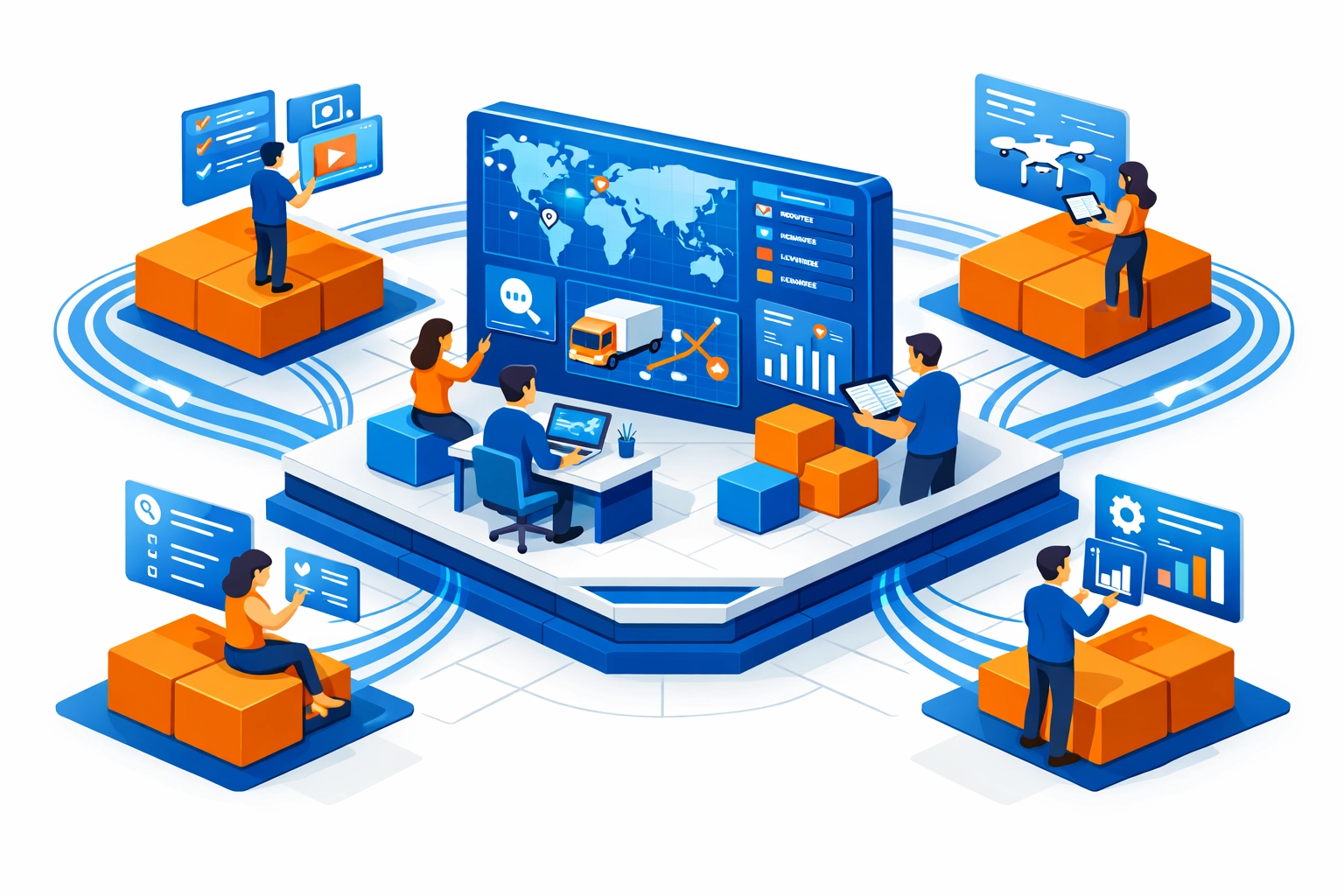
Step 3: Choose Your Tech Stack (and build the “Truth Pipeline”)
Here’s the thing: if your LMS can’t connect to revenue, retention, and product usage… you don’t have Customer Education Metrics. You have LMS reports.
Building the Truth Pipeline: LMS + Salesforce + Product Analytics
Goal: one version of truth where learning events can be analyzed alongside pipeline, retention, and adoption.
Core integrations
- LMS / Academy → captures: enrollments, completions, assessment scores, certification dates
- CRM (Salesforce) → captures: account tier, ARR, renewal date, CSM owner, opportunity stage, churn/renewal outcome
- Product analytics (Mixpanel/Pendo) → captures: activation events, feature usage, workflow completion, “aha” moments
Suggested IDs to standardize (don’t skip this)
account_id(Salesforce Account ID as the primary)user_id(email hash or internal user key)plan/tier,region,industry,segment
Event design (example)
- LMS event:
certification_completedwith properties{account_id, user_id, cert_name, score, completed_at} - Product event:
api_call_successorfeature_x_used_meaningfully - CRM field:
has_certified_admin = true,certified_count,first_cert_date
Data flow options
- Start scrappy: scheduled CSV exports + a clean “mapping table”
- Scale up: ETL/Reverse ETL + warehouse + BI (so teams stop arguing about numbers)
Reality check: you don’t need perfection on Day 1. But you do need consistent IDs and definitions.
Step 4: Prove the “Education Effect” with Cohort Analysis (and handle selection bias)
Let’s be real: the #1 pushback you’ll get is:
“Trained customers were probably better customers anyway.”
That’s selection bias—and it’s fixable (or at least reducible) with a clean cohort approach.
Cohort analysis: the setup
1) Pick a cohort anchor
Choose one:
- Signup/contract start month (best for onboarding outcomes)
- First active use month (best for adoption outcomes)
- First training completion month (best for content impact, but be careful)
2) Define your exposure (what counts as “educated”)
Examples:
- Completed onboarding path within 30 days
- Earned “API Certification” within 45 days
- Viewed QR JIT modules ≥3 times for a device workflow
3) Define your outcome window
Examples:
- Day 30 / Day 60 / Day 90 churn
- Feature adoption by Day 45
- Tickets per account in the first 90 days
- Expansion within 180 days
Cohort analysis: the calculation (simple but defensible)
For each cohort month, compute:
- Retention % at Day 90 for Educated vs Non-Educated
- Δ (lift) = Retention% (Educated) − Retention% (Non-Educated)
Then trend it by cohort month to see consistency (not just one lucky month).
Addressing selection bias (practical methods)
You don’t need a PhD in stats. You need disciplined comparisons:
Method A: Matched cohorts (recommended starting point)
Match educated and non-educated accounts on:
- ARR/tier
- industry
- region
- customer size (seats/usage)
- implementation type / partner-led vs direct
Then compare outcomes within matched “bins.”
Method B: Propensity scoring (next step, if you have the data)
Estimate the likelihood of training based on attributes (tier, CSM touch, region, maturity), then compare educated vs. non-educated with similar propensity scores.
Method C: Timing controls (highly practical)
Compare:
- “Early trained” vs “Late trained” within the same account segment
This reduces the “they were better anyway” argument because both groups opted into training, just at different times.
Method D: Difference-in-differences (when you have a rollout)
If you launched a new academy or certification in phases, compare pre/post changes against regions/segments that didn’t get it yet.
Turn cohort outputs into Phillips Level 5 ROI inputs
Once you have:
- an outcome lift (e.g., churn reduction at Day 90)
- a credible isolation factor (from matching/controls)
You can convert impact to dollars and compute the Level 5 ROI using the earlier formula.
Step 5: Establish Reporting Cadence
Monthly is ideal. Your dashboard should answer three questions:
- Are people engaging? (Activity metrics)
- Are they changing behavior? (Behavior metrics)
- Is it impacting the business? (Outcome metrics)
Share this dashboard with sales, customer success, and product teams. When everyone sees the impact, education gets prioritized.
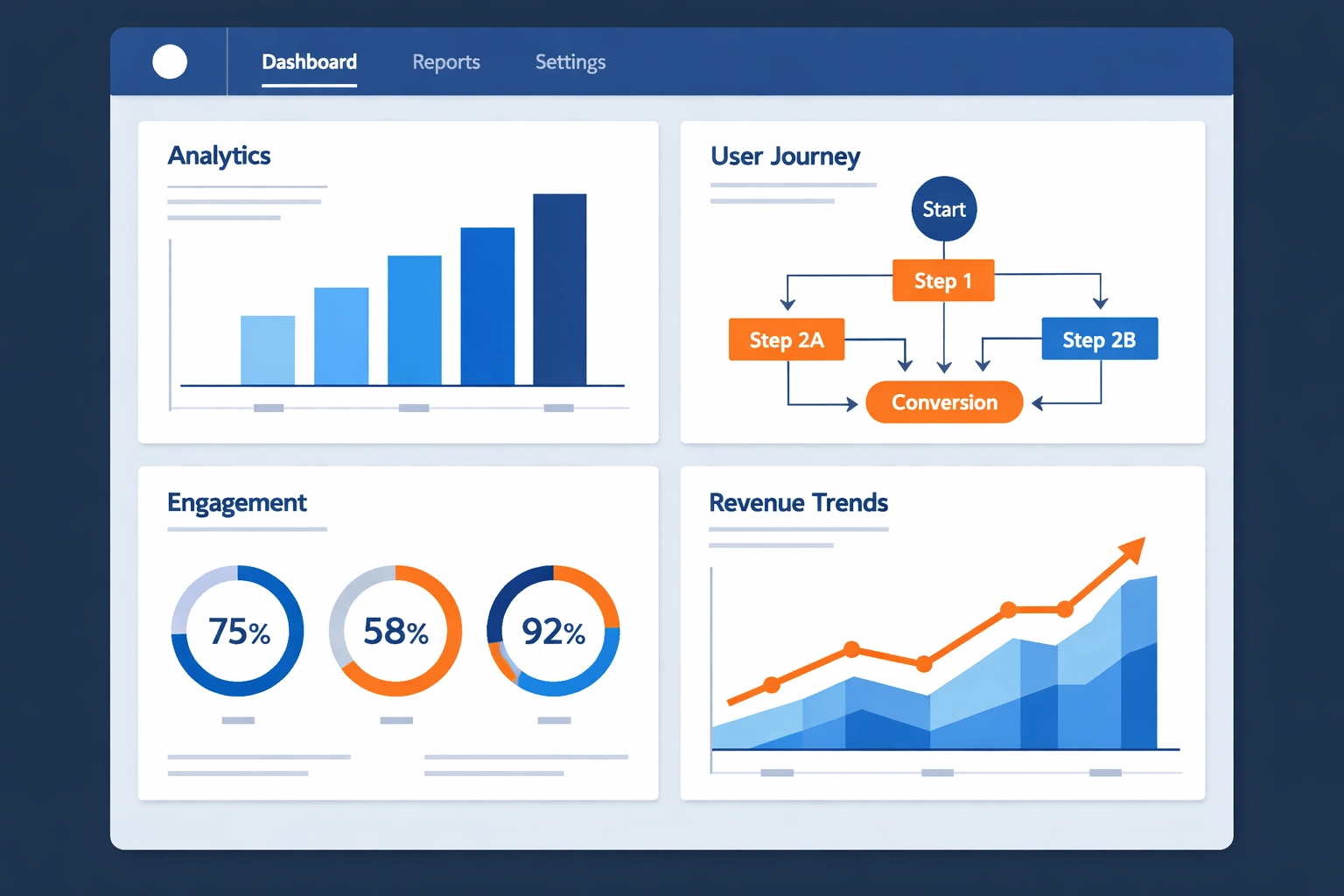
The Check N Click Advantage: Customer Education Metrics That Hold Up
Here’s what we’ve learned building custom eLearning solutions for Fortune 500 companies over the past 13+ years: great content is table stakes. What separates world-class customer education programs is measurable business impact.
Our approach combines proven instructional design frameworks (ADDIE, SAM, Gagne’s Nine Events) with modern analytics thinking. We don’t just build courses: we build Customer Education Metrics strategies that prove ROI.
What makes us different:
- We design Customer Education Metrics frameworks before building content (not after)
- We embed tracking mechanisms into every learning experience, so Customer Education Metrics are reliable
- We help you connect education data to your existing business intelligence tools to operationalize Customer Education Metrics
- We build iteratively: test, measure, refine, repeat (the only way Customer Education Metrics stay relevant)
Curious about the potential ROI of your customer education investment? Check out our Training ROI Calculator to see realistic projections based on your specific business model.
Want to see how we’ve helped similar companies? Explore our work samples and book a strategy session to discuss your specific measurement challenges.
Start Small With Customer Education Metrics (and Scale)
Don’t try to track everything on day one. You’ll burn out your team and confuse your stakeholders. Start with a tight set of Customer Education Metrics that directly connect to adoption, retention, or support costs.
Your 30-day action plan:
- Week 1: Choose one outcome metric that matters to leadership (we recommend Time-to-Value or churn rate)
- Week 2: Map the behavior metrics that should predict that outcome (feature adoption? certification completion?)
- Week 3: Ensure your LMS and CRM can talk to each other (even if it’s manual exports initially)
- Week 4: Run your first correlation analysis and share findings with your team
The goal isn’t perfection. It’s progress.
Remember CloudSync? They started with a simple question: “Do certified customers renew more often?” That single metric evolved into a comprehensive framework that transformed their business. But they started with one question.
Your customers are generating learning data right now. The question is: are you using Customer Education Metrics to drive better business outcomes, or are you just collecting digital dust?
What’s your first Customer Education Metrics win going to be?
For more insights on building customer education programs that drive measurable results, explore The Complete Guide to Customer Education or dive into our latest thinking on Customer Success and Education convergence.