In the fast-paced world of custom eLearning development, AI often feels like a magic wand that can fix everything overnight.
Let’s be real, we’ve all been tempted to let a chatbot write an entire 30-minute module while we grab a second (or third) espresso. It’s efficient, it’s futuristic, and it’s a total game-changer, right? Well, yes and no.
While AI is transforming how we build learning experiences, it’s also creating a new graveyard of “robotic” courses that learners find about as engaging as reading a microwave manual. Here’s the deal: if you’re using AI as a shortcut rather than a tool, you’re likely making mistakes that hurt your ROI and frustrate your users.
Ready to stop the madness? Let’s dive into the seven most common AI blunders in the industry and, more importantly, how to fix them so your training actually sticks.

7 AI Mistakes in Custom eLearning Development
1. Relying on “Auto-Pilot” for Custom eLearning Development
Here’s the thing: AI doesn’t actually know your learners. It’s an incredibly sophisticated pattern-matcher, but it lacks the human touch required for high-stakes instructional design. When you let AI generate scripts or scenarios without human intervention, the tone often shifts from “helpful mentor” to “soulless corporate drone” (we’ve all been there).
The Problem: Scripts feel generic, and scenarios lack the nuance of your specific company culture or industry challenges. Learners can smell “AI-generated” content from a mile away, and they’ll disengage faster than you can say “ChatGPT.”
The Fix: Use AI for augmentation, not just automation. Let AI do the heavy lifting, like generating initial outlines or brainstorming creative scenarios, but always have a human instructional designer review and refine the output. Think of AI as your incredibly fast intern; you still need to check their work before it goes to the CEO.
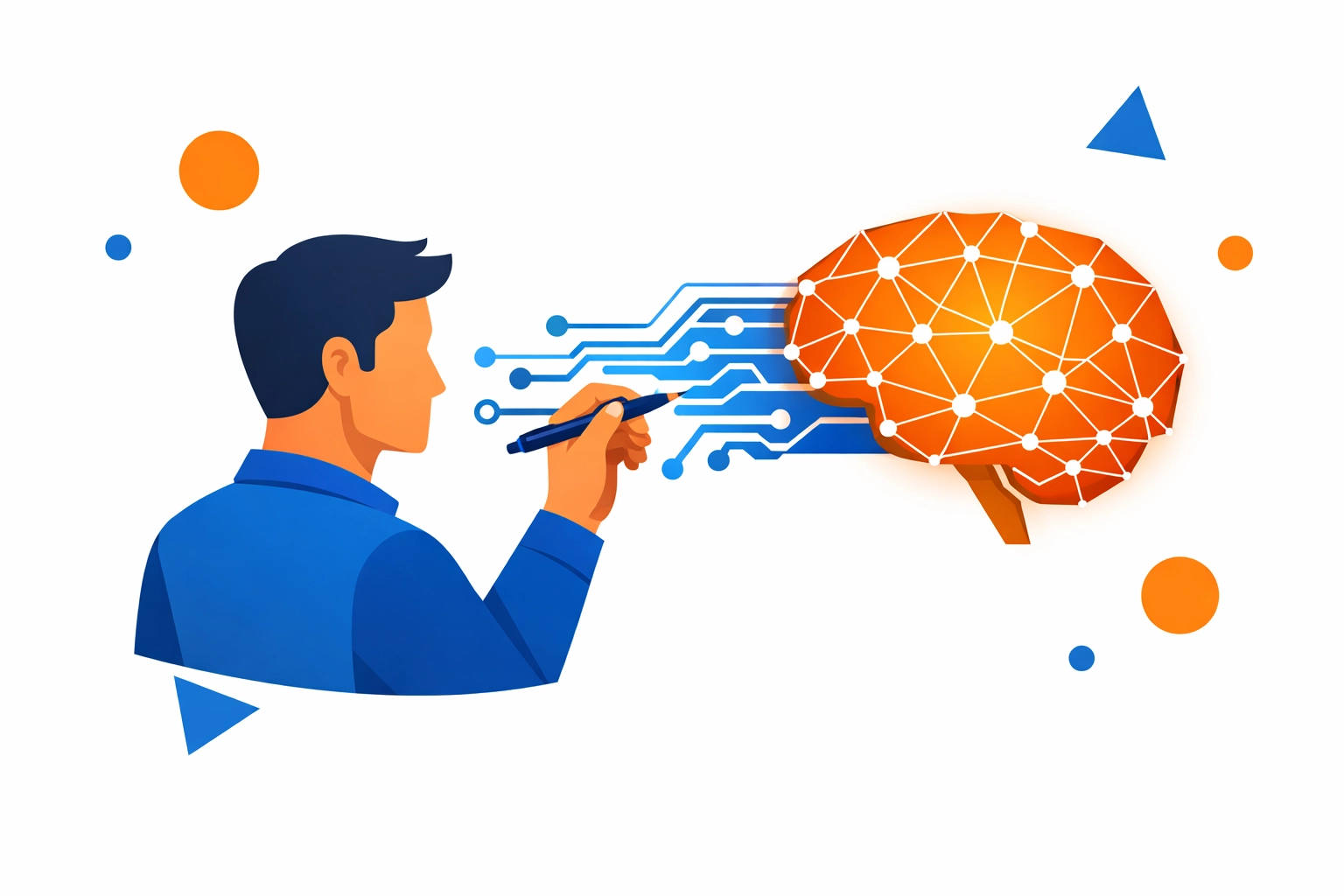
Image Description: Clean, modern vector art in blue and orange showing a human designer collaborating with a digital AI brain to create custom eLearning development content.
2. Skipping the “Hallucination” Check
Let’s talk about reality for a second. AI is prone to “hallucinations”, a fancy term for when it confidently tells you a complete lie. In the context of custom eLearning development, this could mean a programming course teaching outdated syntax or a compliance module referencing laws that don’t exist.
The Problem: Inaccurate content destroys your credibility. If a learner catches one factual error, they’ll question every other slide in the deck. Why should they trust your training if the AI thinks Python is a type of literal snake in a coding context?
The Fix: Implement a mandatory SME (Subject Matter Expert) review for every AI-generated sentence. Don’t trust, always verify. At Check N Click, we believe that mastering customer education requires a bedrock of accuracy. Use AI to summarize data, but have a human confirm the facts.
3. Ignoring the Content Audit in Custom eLearning Development
Here’s a “real talk” moment: AI is only as good as the data you feed it. If you’re pumping outdated PDFs, contradictory process docs, and “Frankenstein” PowerPoints into an AI tool, you’re going to get a mess on the other side.
The Problem: This is the classic “Garbage In, Garbage Out” (GIGO) scenario. Feeding AI messy source material results in training that is confusing, contradictory, and flat-out wrong.
The Fix: Before you even touch an AI tool, conduct a thorough content audit. Ensure your source material is current, accurate, and well-organized. If you’re building SaaS training to drive ROI, your source documentation needs to reflect the latest software version, not the beta from 2022.
4. The “NASA Dashboard” Interface Trap
Why does this matter? Because AI-powered authoring tools love to give you options, maybe too many options. We’ve seen AI-generated interfaces that look like the flight deck of a spaceship, with twelve different buttons, hidden menus, and enough bells and whistles to distract even the most dedicated learner.
The Problem: If your interface needs a tutorial just to explain how to take the tutorial, you’ve failed. Overcomplicated navigation increases cognitive load, meaning learners spend more energy figuring out how to use the course than actually learning the content.
The Fix: Keep it simple! Stick to intuitive navigation and clean layouts. If you’re looking for a tried-and-true framework, consider how Gagne’s Nine Events of Instruction can be applied to simplify the learner’s journey. High-impact custom eLearning development should feel seamless, not like a puzzle.
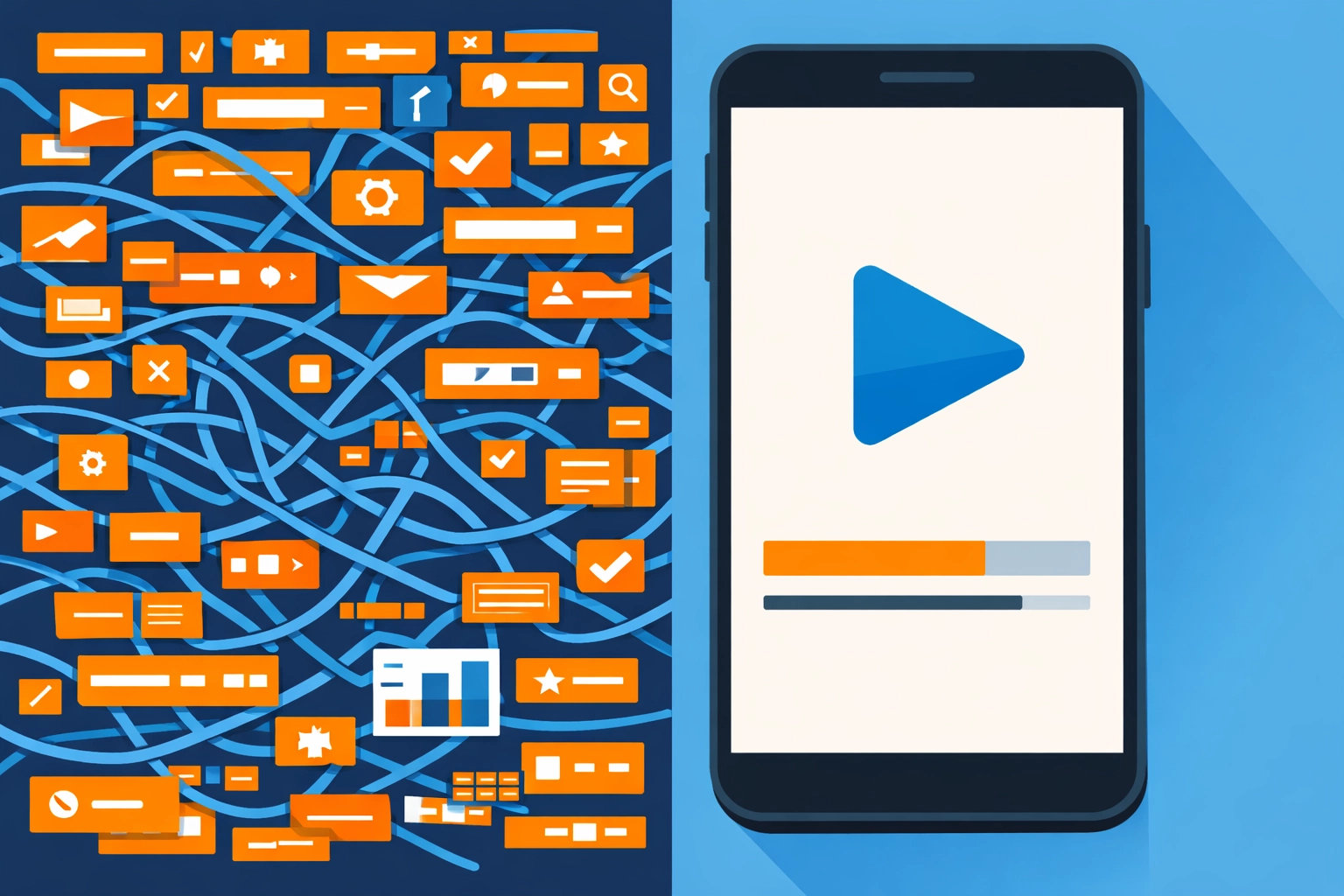
Image Description: Flat design illustration in blue and orange showing a simple, clean mobile interface for custom eLearning development compared to a cluttered, complex one.
5. Ignoring Mobile-First Design in Custom eLearning Development
Let’s face it: your learners are busy. They’re taking your courses on the train, in between meetings, or (let’s be honest) while waiting for their coffee. AI tools often generate “standard” layouts that look great on a 27-inch monitor but are a nightmare on a smartphone.
The Problem: Tiny text, unclickable buttons, and videos that won’t scale properly. If your training isn’t mobile-friendly, it’s not accessible. Period.
The Fix: Always test your AI-generated outputs on multiple devices. Prioritize responsive design from the get-go. Mobile optimization isn’t a “nice-to-have” anymore; it’s a requirement for modern customer onboarding. (Goodbye, clunky PDFs; hello, scrollable microlearning!)
6. Using AI to Check Boxes Instead of Solving Problems
Are you building training because there’s a genuine skills gap, or because someone in HR checked a box? AI makes it so easy to create content that many organizations fall into the trap of “content for content’s sake.”
The Problem: AI can churn out 50 modules in the time it takes to eat lunch, but if those modules don’t solve a real business problem, you’re just wasting digital space. Why create a generic module on “Time Management” when your team actually needs a deep dive into your specific CRM workflow?
The Fix: Start with a learner needs analysis. Use AI to personalize the learning path based on the user’s actual role and skill level. Focus on “Time-to-Value” rather than just completion rates. If you’re curious about how this impacts your bottom line, check out our ROI calculator for training investment.
7. Treating eLearning as a “Set It and Forget It” Project
The world moves fast (hello, weekly software updates!). One of the biggest mistakes in custom eLearning development is thinking that once a course is published, the job is done.
The Problem: AI-generated courses can become obsolete overnight. Screenshots of your software change, company policies evolve, and suddenly your “modern” training looks like a relic from the 90s. This leads to a loss of learner trust and a spike in support tickets (hello, endless Zendesk tickets!).
The Fix: Treat your eLearning as a living ecosystem. Use AI to help you flag outdated content and generate quick updates, but commit to a regular maintenance schedule. Whether you use the SAM model or another iterative approach, the goal is continuous improvement.
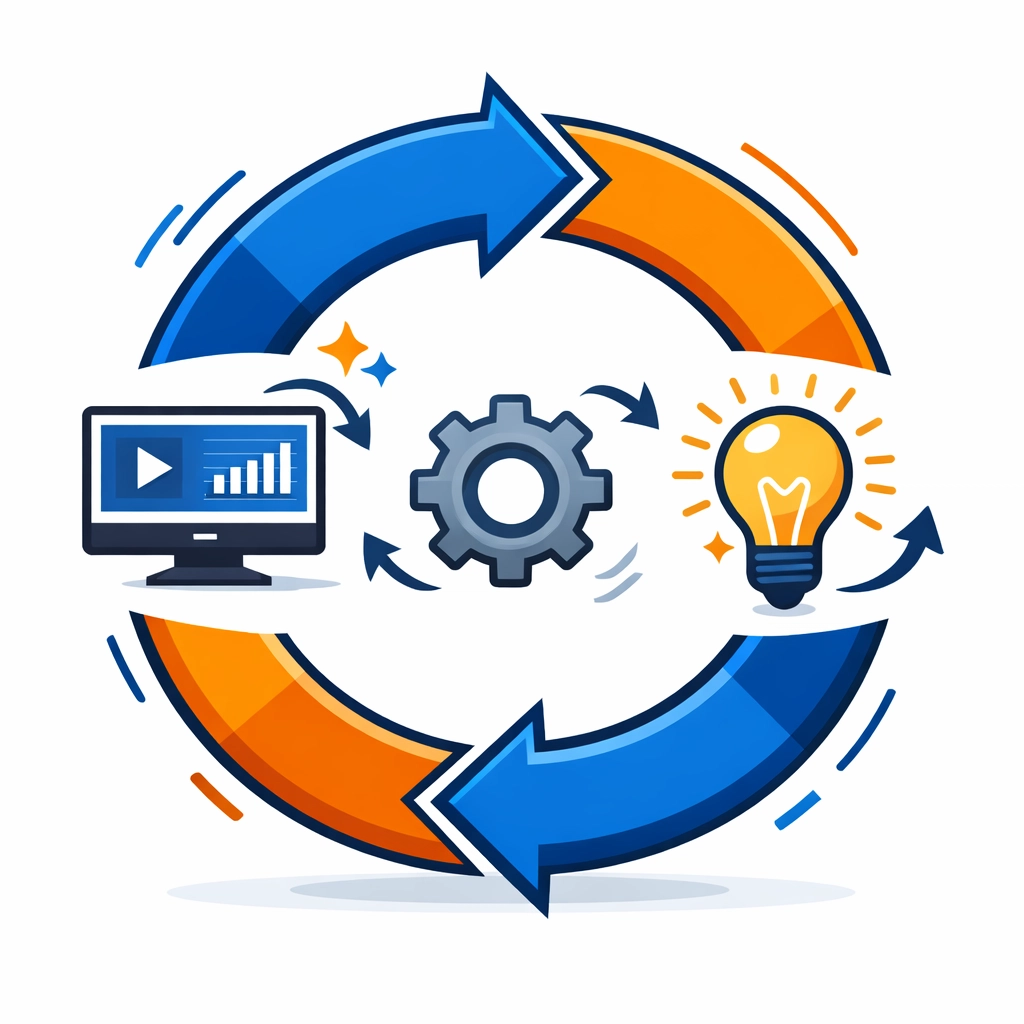
Image Description: A modern vector graphic in blue and orange showing a circular arrow representing continuous improvement and updates in custom eLearning development.
Final Thoughts: Finding the Balance
Let’s wrap this up. AI is an incredible partner in custom eLearning development, but it’s not a replacement for human empathy, strategic thinking, and pedagogical expertise. By avoiding these seven traps, you can create training that doesn’t just “exist” but actually drives performance and retention.
Don’t feel pressured to go it alone! Whether you’re building a massive customer education program or a niche internal training module, we’re here to help you navigate the AI landscape without losing your soul: or your ROI.
Want to see how we do it?
Explore our case studies in custom eLearning development to see real-world results, or if you’re ready to get serious, you can book time with Lokesh to discuss your next project.
Let’s build something smarter, together!