Let’s be real: starting a custom eLearning development project often feels like signing up for a marathon without stretching first. You have the best intentions, a shiny budget, and a dream of transforming your team or customers into experts. But then, reality hits. (Hello, endless revision cycles and “Wait, why did we build this?” meetings).
At Check N Click, we’ve spent over 13 years in the trenches of educational technology. We’ve seen the good, the bad, and the “why is there a dancing penguin in this compliance module?” of training content. Whether you’re building for internal staff or diving into customer education, the pitfalls are surprisingly consistent.
Here is the thing: most failures don’t happen because of a lack of talent; they happen because of a lack of strategy. If you want to avoid being a “content janitor” and start being a strategic architect, you need to avoid these seven common mistakes in your next custom eLearning development project.
1. The “Ghost of UI Past”: Ignoring UI Drift in Customer Education
Let’s talk about the silent killer of great training: UI drift. You spend three months building a perfect tutorial for your SaaS platform. You record every click, highlight every menu, and export the file. Then, two weeks after launch, your product team changes the “Submit” button from blue to green and moves it to the other side of the screen.
Suddenly, your expensive training is obsolete. Talk about a mood killer.
In custom eLearning development, ignoring the pace of your own software updates is a recipe for customer education disaster. If your customer education content doesn’t have a maintenance plan, you’re just creating a headache for yourself. This is where most companies fall into the trap of being “content janitors”, constantly cleaning up old screenshots instead of building new value.
The Fix: Build for agility. Use instructional design models like SAM (Successive Approximation Model) to iterate quickly, and consider using “simulated” UIs rather than static screenshots that age like milk.
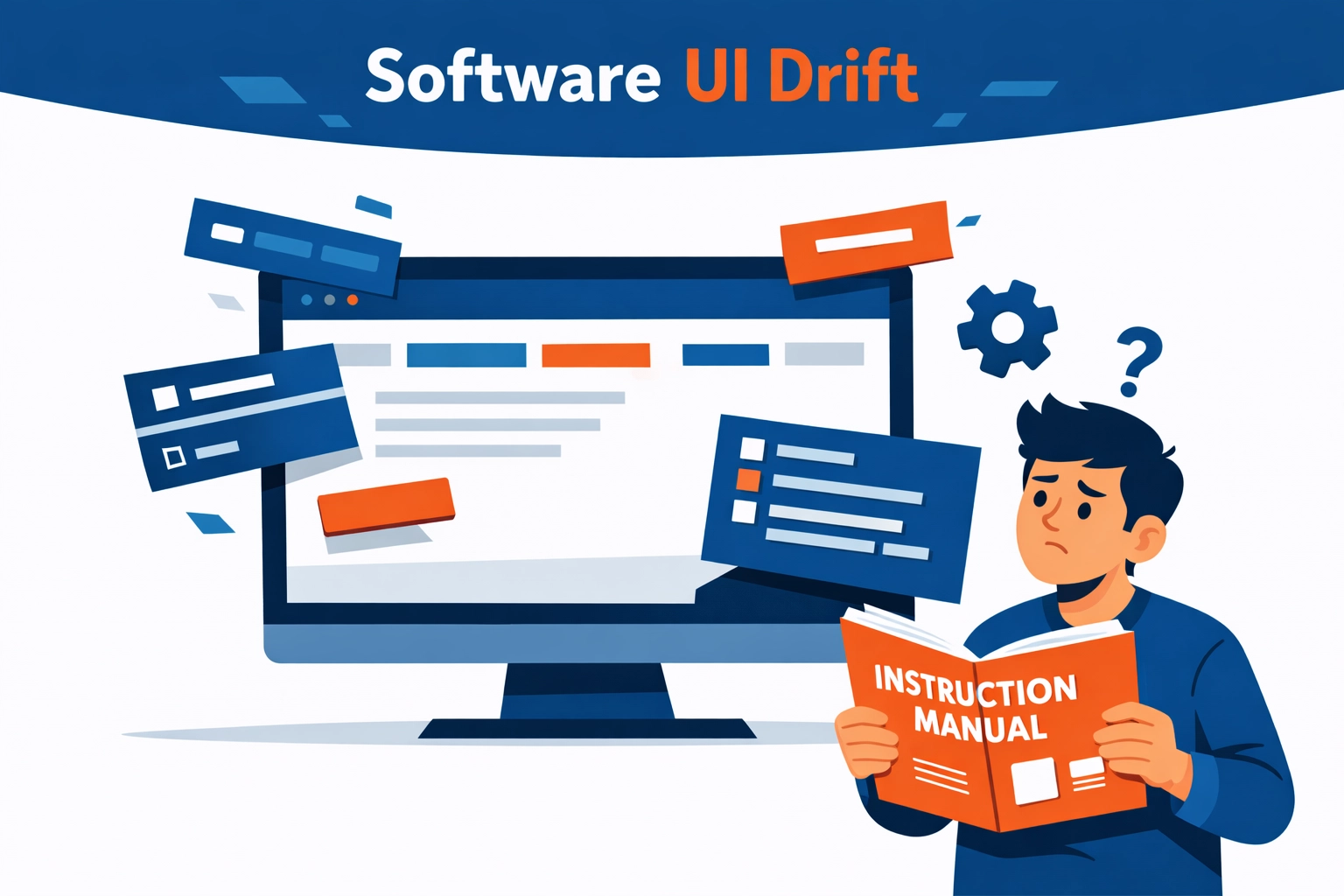
Alt text: A visual representation of UI drift in custom eLearning development, showing software updates outpacing training content.
2. The “Kitchen Sink” Syndrome: Over-Complicating Content
Here’s the deal: Your learners are busy. They have 42 tabs open, a Slack notification pinging every thirty seconds, and a meeting in five minutes. They don’t want a 60-minute “Deep Dive” into every single feature your product offers.
Over-complicating training content is the fastest way to ensure nobody finishes your customer education courses. We often see companies try to cram every edge case and “what if” scenario into a single module. (Spoiler alert: they won’t remember any of it).
When you start your custom eLearning development for the customer education journey, focus on the “Minimum Viable Knowledge.” What is the absolute least amount of information someone needs to be successful right now?
The Fix: Prioritize the learner’s journey in the flow of work. Break content into micro-learning chunks that solve specific problems. If you’re worried about how this affects your budget, check out our guide to development costs to see how modularity actually saves money in the long run.
3. Over-Relying on “Hallucination-Adjacent” AI
We get it. AI is the shiny new toy in the room. And while we love a good productivity hack, over-relying on AI-generated content in custom eLearning development is a dangerous game.
AI can write a script, but it can’t understand your unique brand voice or the specific nuances of your customers’ pain points. If your customer training feels like it was written by a robot, your learners will treat it like spam. Even worse, AI-generated technical steps can sometimes be… let’s say, “creative” with the truth.
The Fix: Use AI for brainstorming and structural outlines, but keep a human (or a team of humans who’ve been doing this for 13+ years) in the loop. Your training needs to resonate, not just exist.

Alt text: A person reviewing AI-generated custom eLearning development content to ensure accuracy and brand tone.
4. Forgetting the “Why” (The Learner’s Journey)
Why does this matter? If you can’t answer that question within the first 30 seconds of a module, you’ve lost the room.
A common mistake in custom eLearning development is focusing entirely on the product’s features or compliance requirements, rather than on the benefit to the learner. People don’t learn because you told them to; they learn because they want to solve a problem or get a “gold star” (or, you know, a promotion).
The Fix: Map out your learner’s journey before you open a single authoring tool. Use frameworks like Gagne’s Nine Events of Instruction to grab their attention and keep it.
5. The Mobile-Last Mentality for Customer Education
It’s 2026. If your custom eLearning development or customer education isn’t optimized for mobile, you’re basically telling half your audience to go away. (We see you, person trying to finish a course on the train!).
Non-responsive design, tiny buttons, text that requires a magnifying glass, and videos that don’t scale are the quickest ways to kill engagement. Today’s workforce expects a Netflix-like experience, not a “Windows 95 help document” experience.
The Fix: Think mobile-first or at least mobile-responsive. Ensure your navigation is thumb-friendly and your assets are lightweight enough to load on a 5G connection without a hitch.
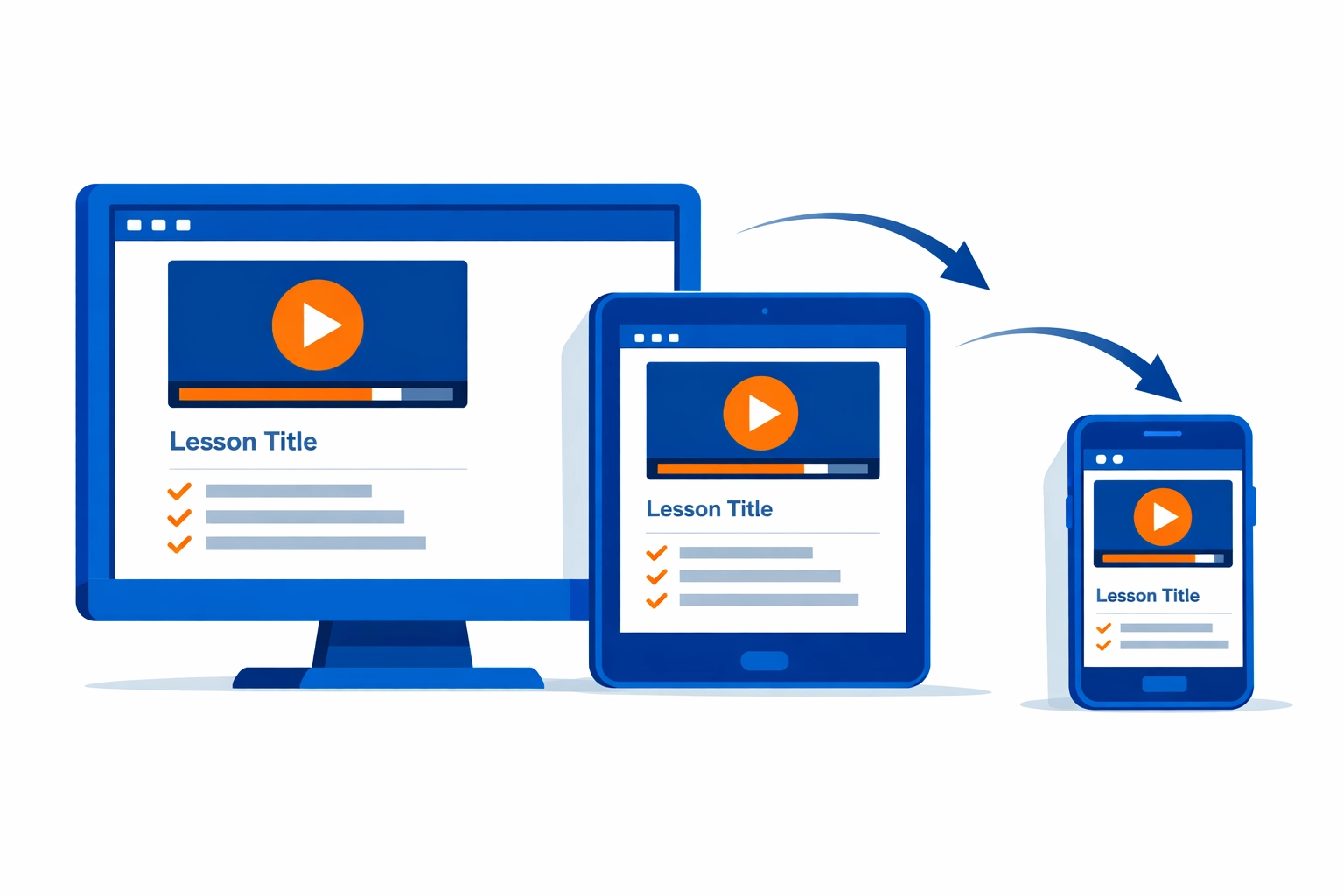
Alt text: A comparison of a responsive vs. non-responsive interface for custom eLearning development on a smartphone.
6. Underestimating SME Friction for Customer Education and Custom eLearning Development
Subject Matter Experts (SMEs) are the lifeblood of your content, but they are also incredibly busy people. One of the biggest mistakes in custom eLearning development is not having a clear process for working with them.
Without a structured workflow, you end up with:
- Conflicting feedback.
- “Scope creep” where the SME wants to add just one more thing.
- Infinite delays because the SME is stuck in meetings.
The Fix: Use a collaborative model such as the SAM (Successive Approximations Model). It encourages small, frequent check-ins rather than waiting for one massive (and terrifying) final review.
7. Skipping the ROI Reality Check of Customer Education
What’s the real impact of your training? If you’re just tracking “completion rates,” you’re flying blind.
In the world of custom eLearning development, success isn’t just about finishing the course; it’s about changing behavior. Did support tickets go down? Did product adoption go up? If you can’t prove the value, your budget is always on the chopping block.
The Fix: Define your metrics early. Whether it’s reducing churn or speeding up onboarding, you need to track the numbers that matter to the C-suite. Use our ROI Calculator to start speaking the business’s language.

Alt text: A dashboard showing key performance indicators and ROI for custom eLearning development projects.
Let’s Stop Making These Mistakes Together
Building great training is hard. Building great custom eLearning development that actually scales and survives the “real world” is even harder. But here’s the good news: you don’t have to do it alone.
At Check N Click, we thrive on turning these “mistakes” into strategic advantages. We’ve spent over a decade helping companies navigate the complexities of digital learning without losing their minds (or their budgets).
Are you ready to stop being a content janitor and start building training that actually moves the needle?
Take the next step:
- Need a strategy? Brainstorm course strategies with our experts.
- Want to talk shop? Book time with Lokesh to discuss your specific custom eLearning needs.
- Looking for a deep dive? Read The Complete Guide to Customer Education.
Don’t let your next project become a cautionary tale. Let’s build something your learners will actually love. (And yes, we promise to keep the dancing penguins to a minimum).