Effectively managing customer education means constantly battling the phenomenon known as UI drift before it confuses your users. Let’s be real: you spent months crafting the perfect onboarding flow, only for your product team to push a “minor” update that changes the navigation menu from a sidebar to a top nav. Suddenly, every screenshot in your knowledge base is a lie, and every video tutorial looks like it was filmed in the digital Stone Age.
Here’s the deal: UI drift isn’t just a minor visual discrepancy. It’s a silent killer of learner trust. When a customer is already frustrated trying to learn a new SaaS tool, seeing a tutorial that doesn’t match their screen is the ultimate “I give up” moment. (Hello, endless Zendesk tickets!) In this post, we’re going to look at how to stop acting like a “Content Janitor” who just cleans up messes and start acting like a “Strategic Architect” who builds scalable, resilient learning experiences.

The Content Janitor vs. The Strategic Architect
Let’s talk about the “Content Janitor” role for a second. We’ve all been there (we see you!). The Janitor spends 80% of their week chasing down product managers to ask, “Wait, did we change the ‘Submit’ button to ‘Launch’?” and the other 20% frantically blurring out outdated UI elements in Photoshop. It’s exhausting, it’s reactive, and it leaves zero room for actual instructional design or strategy.
On the flip side, the Strategic Architect understands that customer education is a living ecosystem. They don’t just build content; they build systems that account for change. They audit their assets regularly to ensure they aren’t leading customers into a dead end. Why does this matter? Because a product that evolves faster than its training creates a “competence gap” that leads directly to churn.

Alt text: A split illustration showing a frustrated “Content Janitor” fixing old screenshots versus a “Strategic Architect” looking at a clean SaaS dashboard for customer education.
What Exactly is UI Drift in Customer Education?
UI drift occurs when the User Interface of your software evolves, but your educational materials, videos, walkthroughs, PDFs, and courses, remain static. It’s the gap between “what the user sees” and “what the tutorial shows.”
In the world of SaaS training, UI drift usually happens in three stages:
- The Micro-Drift: A button changes color or a font updates. Annoying, but usually not a dealbreaker.
- The Structural-Drift: Navigation moves. Features are renamed. This is where users start getting lost.
- The Legacy-Drift: The entire UI is overhauled, but your 2024 training videos are still showing the 2022 dashboard. (Think Netflix binge, but not in a good way, it’s just confusing.)
What’s the real impact? When your customer education materials are out of sync, you aren’t just failing to teach; you’re actively teaching the wrong thing. This erodes the “Self-Service” dream and forces customers back into the arms of your support team.
Why You Must Audit Your Customer Education Assets Regularly
Let’s face it, nobody wants to do an audit. It sounds about as fun as doing your taxes. But here’s the reality: if you don’t audit your customer education content, you’re flying blind. You might be pouring money into a high-production-value video that actually increases support tickets because the UI it depicts no longer exists.
A comprehensive audit allows you to:
- Identify High-Risk Assets: Which tutorials are in the most “volatile” parts of the app?
- Reclaim Time: Stop updating things that nobody is watching anyway.
- Prove ROI: By aligning content with the current UI, you reduce friction and improve customer education metrics.

Alt text: A modern SaaS dashboard showing a customer education audit checklist with “Pass” and “Fail” markers for UI drift.
The 4-Step UI Drift Audit for SaaS Training
Ready to stop the madness? Here is a direct, action-oriented workflow to audit your customer education for UI drift.
1. The Inventory Dump
Gather every single educational resource you have. This includes your LMS courses, YouTube videos, help articles, and those “Quick Start” PDFs you sent out last year. Don’t try to be organized yet, just get it all in one spreadsheet. If you’re feeling overwhelmed, remember that mastering customer education starts with knowing what you actually own.
2. The Visual Comparison Test
Pick your top 10 most-viewed assets. Open the current version of your software in one window and the tutorial in the other.
- Does the navigation match?
- Are the icons the same?
- Does the “Critical Path” (the steps to complete a task) still work?
If the answer is “No” to any of these, you’ve found drift.
3. Analyze the “Friction Points”
Check your support tickets. Are people asking questions that are clearly answered in your videos? If yes, it’s likely because they can’t find the button the video is talking about. This is a clear sign that your customer education strategy is being undermined by UI changes.
4. Categorize: Keep, Patch, or Trash
Not every drifted asset needs a total rewrite.
- Keep: Minor drift (color changes) that doesn’t impact functionality.
- Patch: Update a single screenshot or add a text overlay to a video.
- Trash: The UI is so different that the asset is more confusing than helpful. Start fresh with a brainstormed course strategy.

Alt text: A strategic flowchart showing the “Keep, Patch, or Trash” decision process for auditing customer education content.
Moving from Manual Updates to “UI-Resilient” Design
How do we stop being Janitors for good? We have to change the way we build. If you’re constantly chasing UI changes, your custom eLearning development costs will skyrocket. Instead, adopt a “UI-Resilient” mindset.
Use Conceptual Screenshots: Instead of a full-page screenshot that will look dated in two weeks, use “abstracted” UI elements. Focus on the function, not the fashion.
The “Flow of Work” Approach: Whenever possible, move away from long-form videos that are hard to edit. Shift toward in-app guidance and shorter, modular content pieces. Learn more about the customer education flow of work vs traditional training to see how this saves time.
Build a “Drift Trigger” into Product Dev: This is the secret weapon. Get a seat at the table with the Product and Engineering teams. When a UI change is scheduled, the customer education team should be notified before the push, not after the support tickets start rolling in.
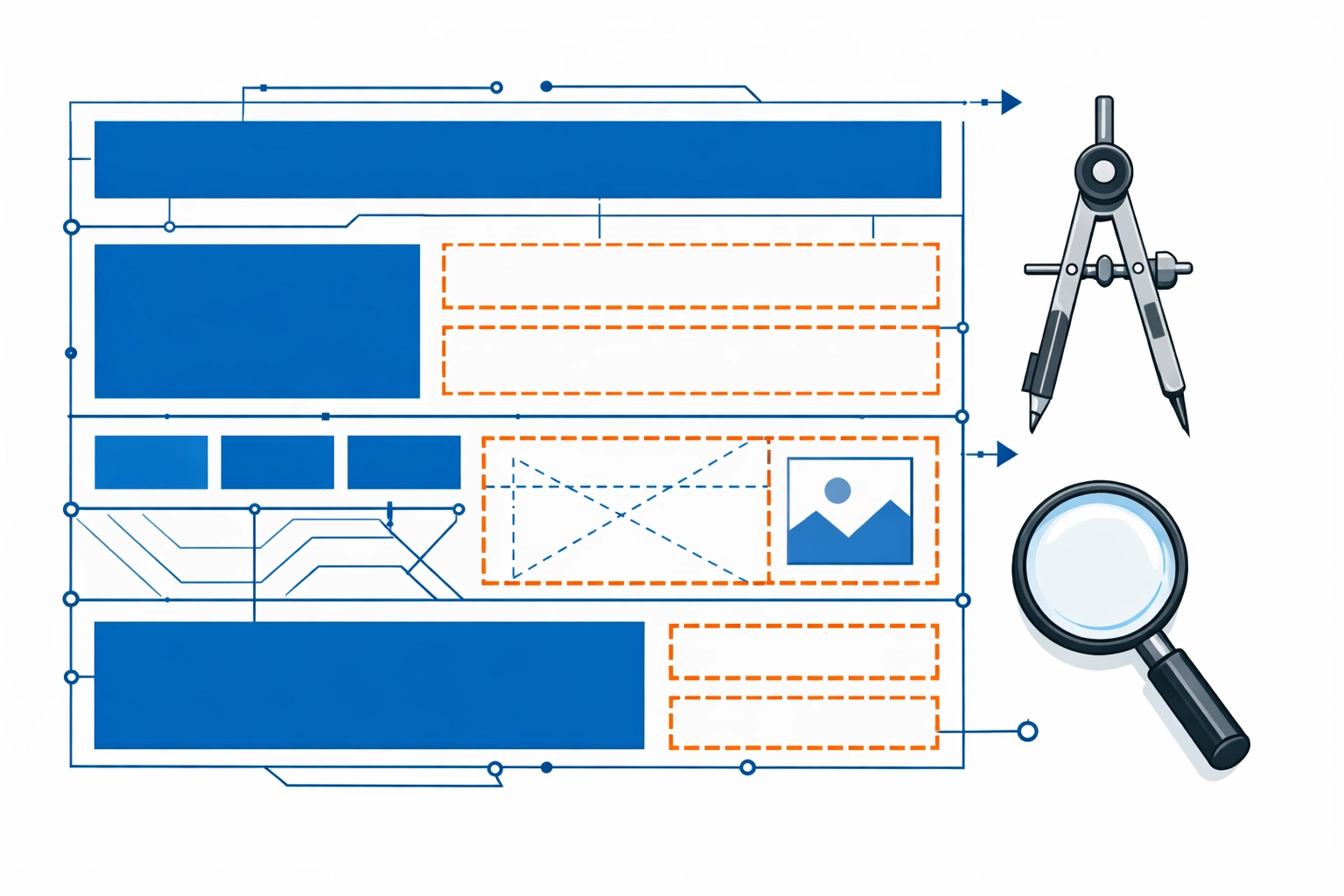
Alt text: A blueprint of a strategic learning architecture designed for scale and UI-resilient customer education.
The Role of Instructional Design in UI Management
Instructional design isn’t just about pedagogy; it’s about maintenance. When we design for customer education, we need to use models that allow for rapid iteration. For example, using the SAM (Successive Approximations Model) allows you to build, test, and update in small loops rather than one giant, unchangeable project.
By applying Gagne’s Nine Events of Instruction, you can ensure that even if the UI drifts slightly, the underlying learning objectives are so clear that the learner can still find their way.
Conclusion: Don’t Let UI Drift Kill Your ROI
At the end of the day, your customer education program is only as good as its last update. If your content is out of sync with your product, you’re essentially giving your customers a map to a city that’s been redesigned. It’s frustrating for them and expensive for you.
Start small. Audit your most critical “Getting Started” module this week. Look for the drift, identify the friction, and move from being a Content Janitor to a Strategic Architect. Your customers (and your support team) will thank you.
Feeling like you’re drowning in outdated screenshots? We get it. If you need a partner to help you build a UI-resilient customer education instructional design strategy, we’re here to help.
Ready to turn your customer education into a revenue engine? Book time with Lokesh to discuss how to audit, update, and scale your learning assets today!